AI Automation Services for Daily Business Tasks
AI automation services take the repetitive daily work of a small business and hand it to an AI assistant that prepares everything for a person to approve. Email gets sorted, quotes and records get drafted, and follow-up reminders get drafted and queued for your team to approve. Your team reviews and approves what the assistant prepares before anything changes or goes out.
Here is the kind of work an AI assistant for small business takes on:
- Sorting email and enquiries. New messages are read, labelled, and sorted into quotes, orders, complaints, and spam, with a draft reply ready for review on the ones that need an answer.
- Preparing documents, quotes, and records. Details from an enquiry become a draft quote, invoice, or customer record, waiting for a person to check and send.
- Follow-up drafts ready for review. The assistant keeps track of who is waiting on a reply and drafts the reminder, so a person only has to approve it.
- Updating listings and records. Hours, prices, menus, and product details get prepared as changes for your website and listings, and a person approves them before they go live.
- Reading flyers, receipts, and forms. Details from paper and PDFs are pulled out and laid out for review instead of typed by hand.
How AI Business Automation Helps
Smoother operations. AI for business automation takes the sorting, typing, and chasing off your team’s plate. Work arrives already organized, so the day starts with approving and deciding instead of copying and pasting.
Revenue growth. Quotes go out sooner, follow-ups go out on time, and fewer enquiries slip through the cracks. Listings that stay current help customers find you and trust what they see.
Happier customers. Staff get reply drafts built from your business records, and the messages that need a personal answer get flagged for a person.
Examples From Frog Stone Media’s Own Projects
The same kind of assistants run on Frog Stone Media’s own publications and tools.
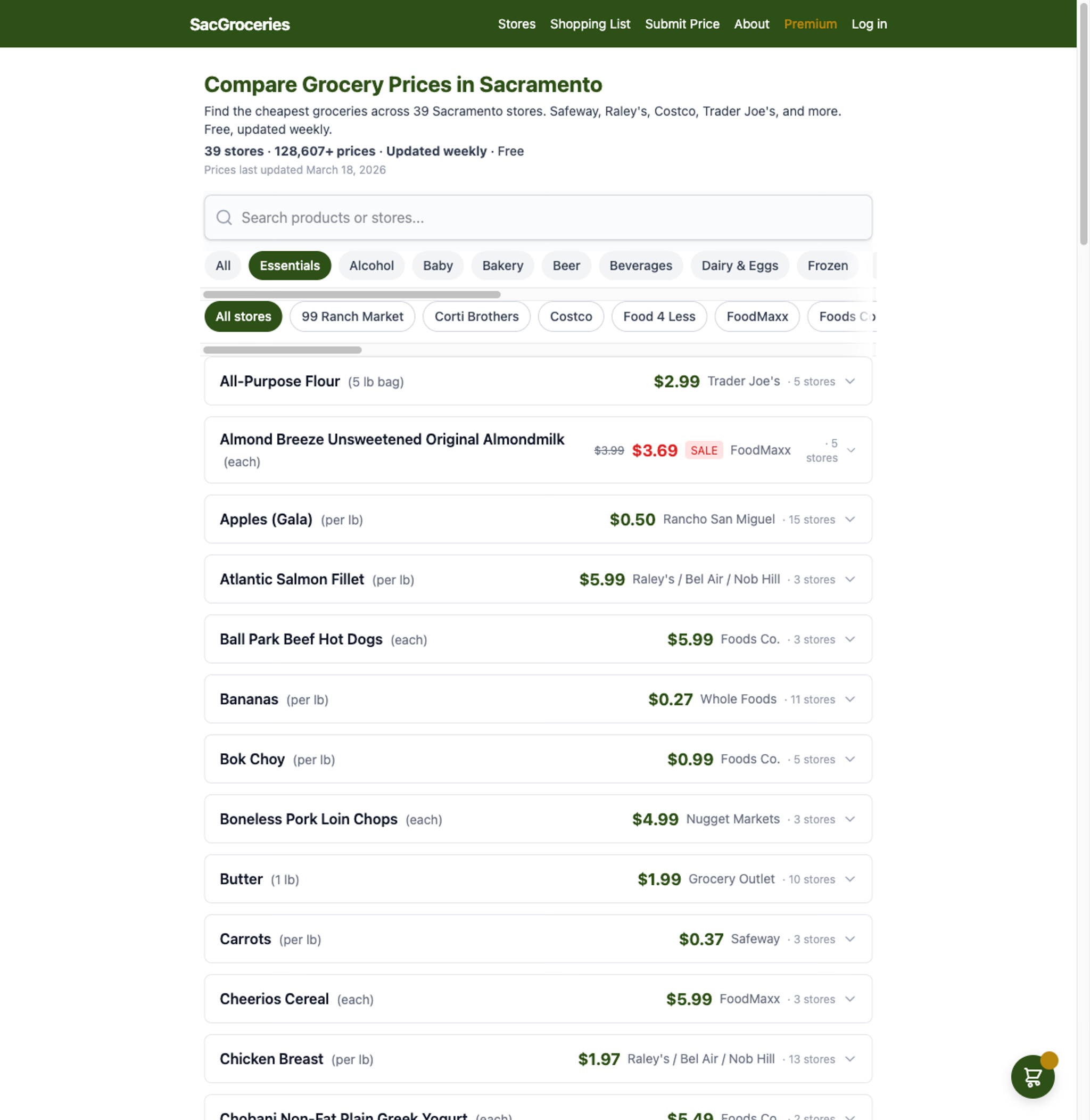
SacGroceries. A grocery price site for Sacramento families. AI reads the weekly store flyers and customer photo submissions and prepares the prices, and a person approves them before anything publishes. That pattern fits any business that handles a steady stream of paperwork: the assistant does the reading, and your staff make the call.
MK Library. A publication where AI helps manage affiliate links and internal links, and spots content that has gone stale and needs an update. For your business, the same approach keeps listings, product pages, and records from falling out of date.
AI Agents for Business, With Approval First
AI agents for business are assistants that can take steps on their own, like reading an email, looking up an order, and drafting a reply. Approval steps are built around each change the assistant prepares, so your team decides what goes out. The buyer guide on AI agents for small businesses covers what they can do and what to ask before hiring someone to build one.
If you’re not sure which jobs to hand off first, an AI consultant engagement starts with how your business runs today and finds where an assistant saves the most time.
What You Get
- An assistant built around the tools you already use. Clients own what is built for them.
- Clear rules for what it prepares, what it drafts, and what comes to a person for approval.
- Plain-language instructions your staff can follow.
- Accounts and setup in your business’s name, so you stay in control.
How an Engagement Works
- Scoping by email. Send a short note about the work that eats your team’s time, and a few emails sort out what to automate first. It’s free, and there’s no sales call.
- Plan. A written plan in plain language covers what the assistant does, what it needs approval for, how long the build takes, and what it costs.
- Build. The assistant is built and connected to your email, calendar, website, or business software.
- Check together. It runs on real examples from your business, and anything that doesn’t fit how you work gets adjusted.
- Launch. It goes live once you’re happy with how it handles your work.
- Train and support. Your team learns how to review and approve its work, with help available for questions and changes after launch.
How the Work Gets Checked
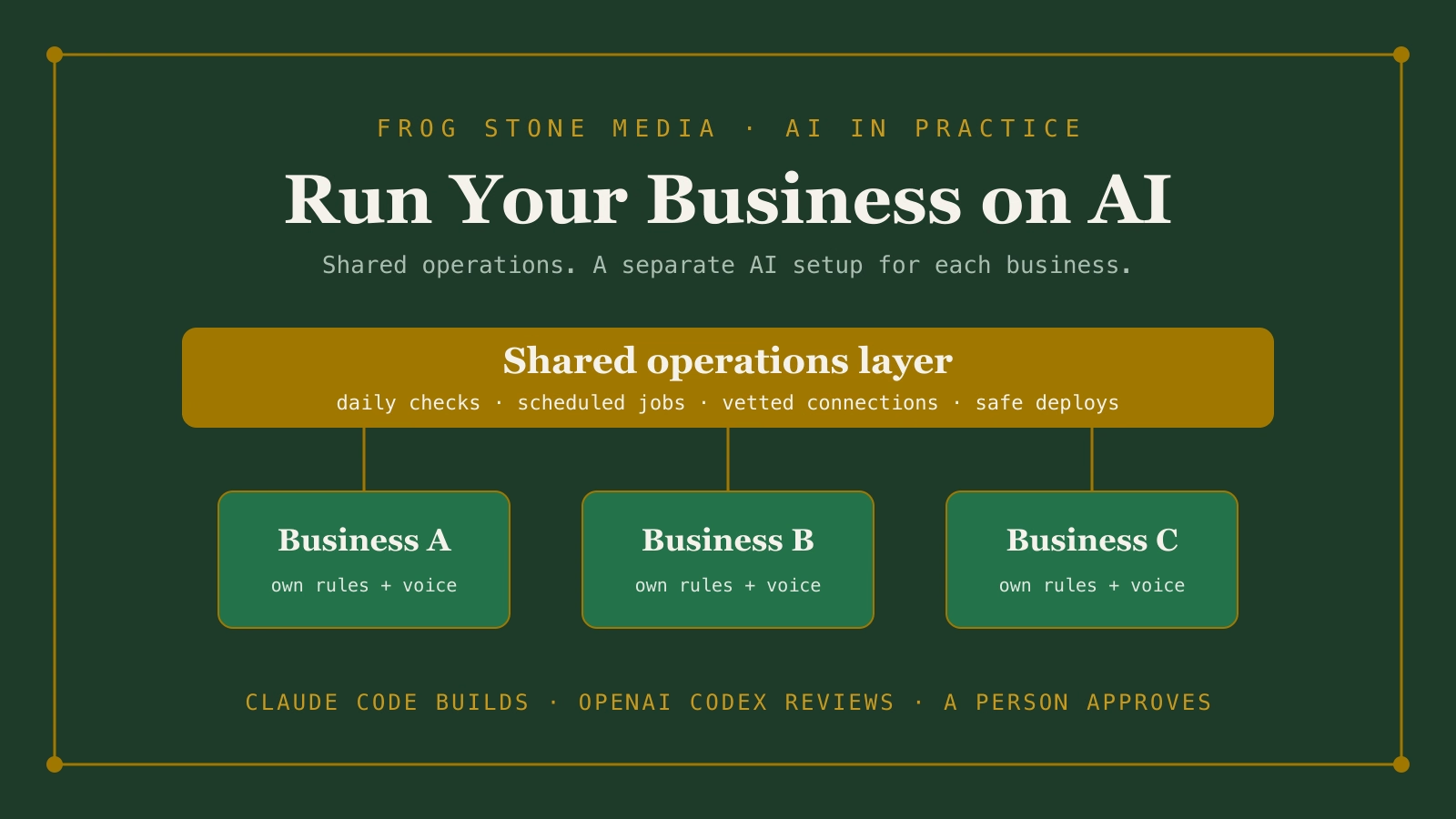
Claude Code builds. OpenAI Codex reviews. Human verified and approved.
Claude Code is the main tool for planning and building. OpenAI Codex, a second AI, reads the work on its own and flags anything that looks off. Then a person reviews the work and how it fits your business before it goes live.