What AI Integration Services Do
AI integration services connect AI to the tools your business already runs on, so your staff and AI assistants work from your real, current customer, booking, order, inventory, and website information. Answers stay up to date, and nobody re-types data from one system into another.
Frog Stone Media builds these connections for small businesses. The connections work with the AI assistants your team already uses, like Claude and ChatGPT.
Here are the kinds of tools that get connected:
- Email. An assistant finds the last message from a customer and drafts a reply that uses the details already on file.
- Calendar and booking. Staff ask what’s open next week and get the real schedule, not a guess.
- Spreadsheets. Price lists, inventory counts, and order logs become something you can ask questions of.
- Accounting. Invoice status and outstanding balances come up without logging in to look.
- Your CRM. Customer history is on hand when someone calls or writes in.
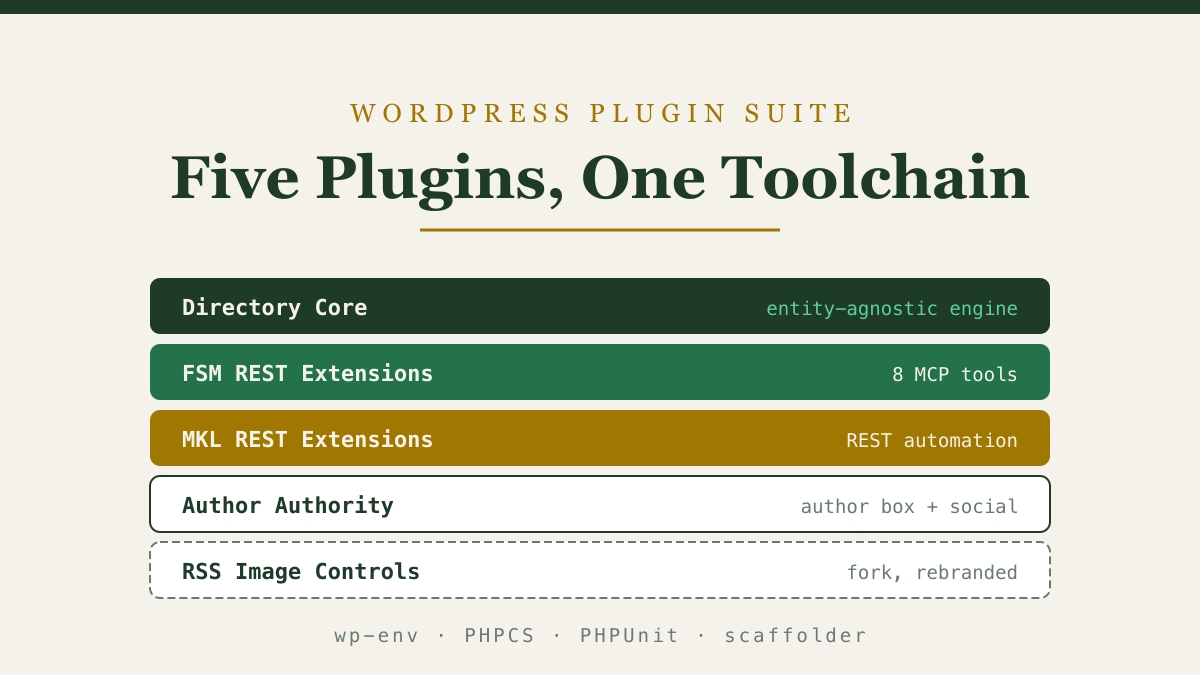
- WordPress or your website. New pages and posts get drafted for review, with nothing going live until a person publishes it.
- Google Business Profile and Search Console. Reviews, listings, and search reports come up in plain language.
How AI Integration Helps Your Business
Happier customers. When an assistant answers from your current records, customers get the right hours, the real order status, and the open appointment times. Replies go out faster because the details are already in front of the person writing them.
Smoother operations. Information gets entered once. Staff stop copying details between email, spreadsheets, and the booking system, and fewer mistakes creep in from re-typing.
Revenue growth. Search reports, reviews, and website updates that used to wait for a free afternoon become easier for your team to review, which helps keep your listings and pages working for you.
Safety Built Into Every Connection
A connection is only as trustworthy as its limits, so the limits are part of the design.
- Only what the job needs. A connection that looks up bookings is built without access to your accounting.
- Read-only where possible. Most questions only need to look, not change anything.
- A person approves changes. Anything that publishes, sends, or edits a record waits for someone on your team. The WordPress connection, for example, saves new posts as drafts.
- Outside connections get reviewed first. Before a connection built by another company gets access to your accounts, it is checked for what it can do.
Examples From Frog Stone Media’s Own Work
These connections run on Frog Stone Media’s own publications and tools.
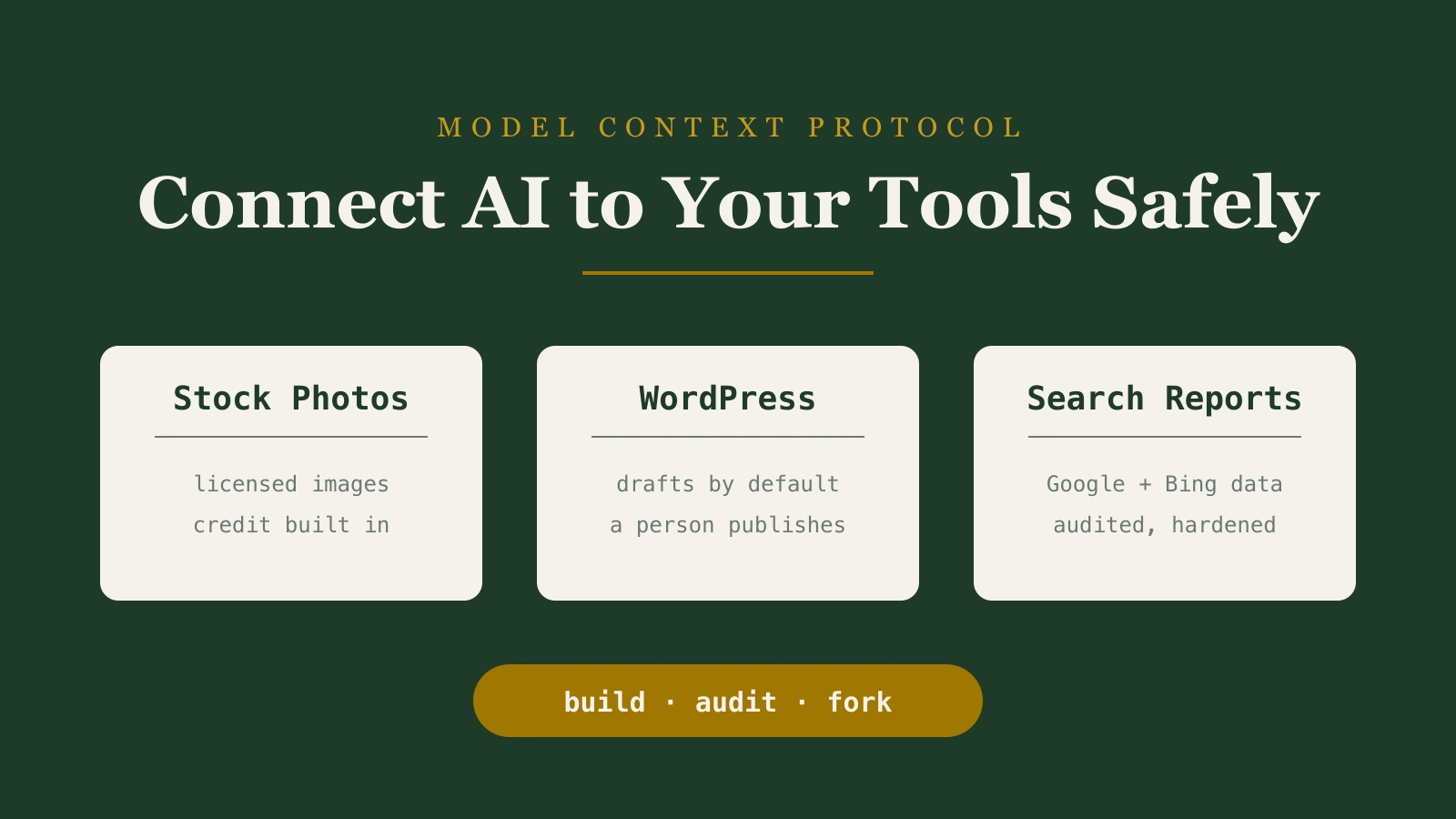
Stock photos and WordPress. One connection lets an AI assistant search a stock photo library for article images. Another connects AI to WordPress and defaults new posts to drafts, so they wait for a person to review before going live.
Search Console and Bing data. A connection that pulls search reports from Google Search Console and Bing for SEO reporting. The connection was audited and hardened for SEO reporting.
Amazon product lookups. A connection that lets AI look up products and build affiliate links, so product details come from the source instead of being typed in by hand.
For your business, the same approach connects AI to your booking system, your customer records, or your website. Some projects pair connections with AI automation that prepares repeatable tasks for staff approval. If you’re not sure where AI fits yet, start with an AI consultant who maps your business first.
What You Get
- Connections to the tools your business already uses, built for how you work. Clients own what is built for them.
- Clear limits on what each connection can see and do, with a person approving anything that changes or publishes.
- Plain-language instructions your staff can follow.
- Accounts and setup in your business’s name, so the connections can move with you if you bring someone else in later.
How an Engagement Works
- Scoping by email. Send a short note about which tools your team uses and where information gets re-typed. A few emails sort out what to connect first. It’s free, and there’s no sales call.
- Plan. A written plan in plain language covers which tools get connected, what the AI can and can’t do with each one, how long it takes, and what it costs.
- Build. The connections are built around the tools and accounts you already have.
- Check together. They run on real examples from your business, and anything that doesn’t fit how you work gets adjusted.
- Launch. The connections go live once you’re happy with how they handle your work.
- Train and support. Your team learns how to use them, with help available for questions and changes after launch.
How the Work Gets Checked
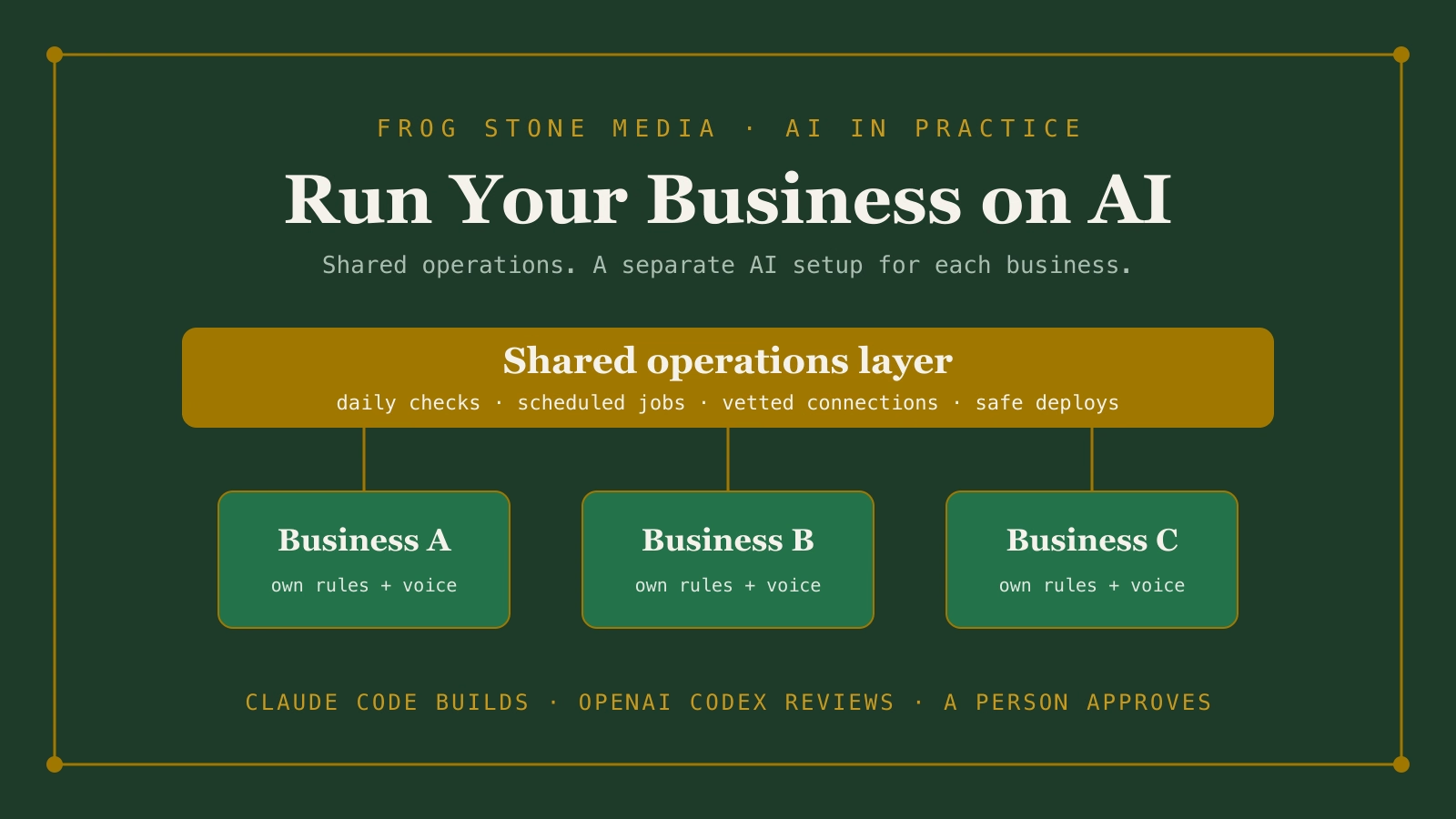
Claude Code builds. OpenAI Codex reviews. Human verified and approved.
Claude Code is the main tool for planning and building. OpenAI Codex, a second AI, reads the work on its own and flags anything that looks off. Then a person reviews the work and how it fits your business before it goes live.