FSM Video Editor | Color Grading for CapCut Projects
A local color grading toolkit for CapCut desktop projects, for footage from mirrorless cameras and GoPros alike. It measures every clip, applies one look across the edit and hands graded copies back to CapCut.
Who it helps
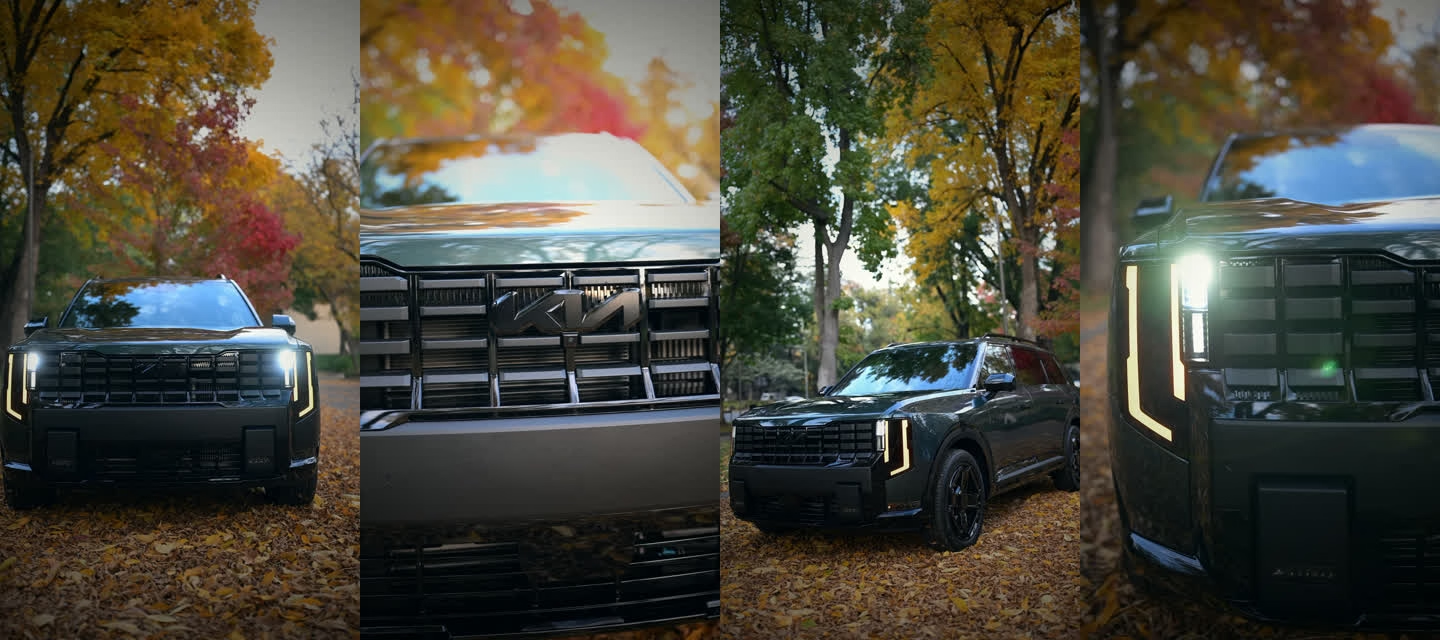
Editors who cut short vertical video in CapCut desktop and want every shot to match. FSM Video Editor grades footage from mirrorless cameras and GoPros in the same edit, so shots from both match. The editor keeps cutting in CapCut, and the toolkit handles the color work CapCut does poorly: measured correction per clip, custom looks, a film finish and bulk timeline edits.
What the editor gets
Shots that match
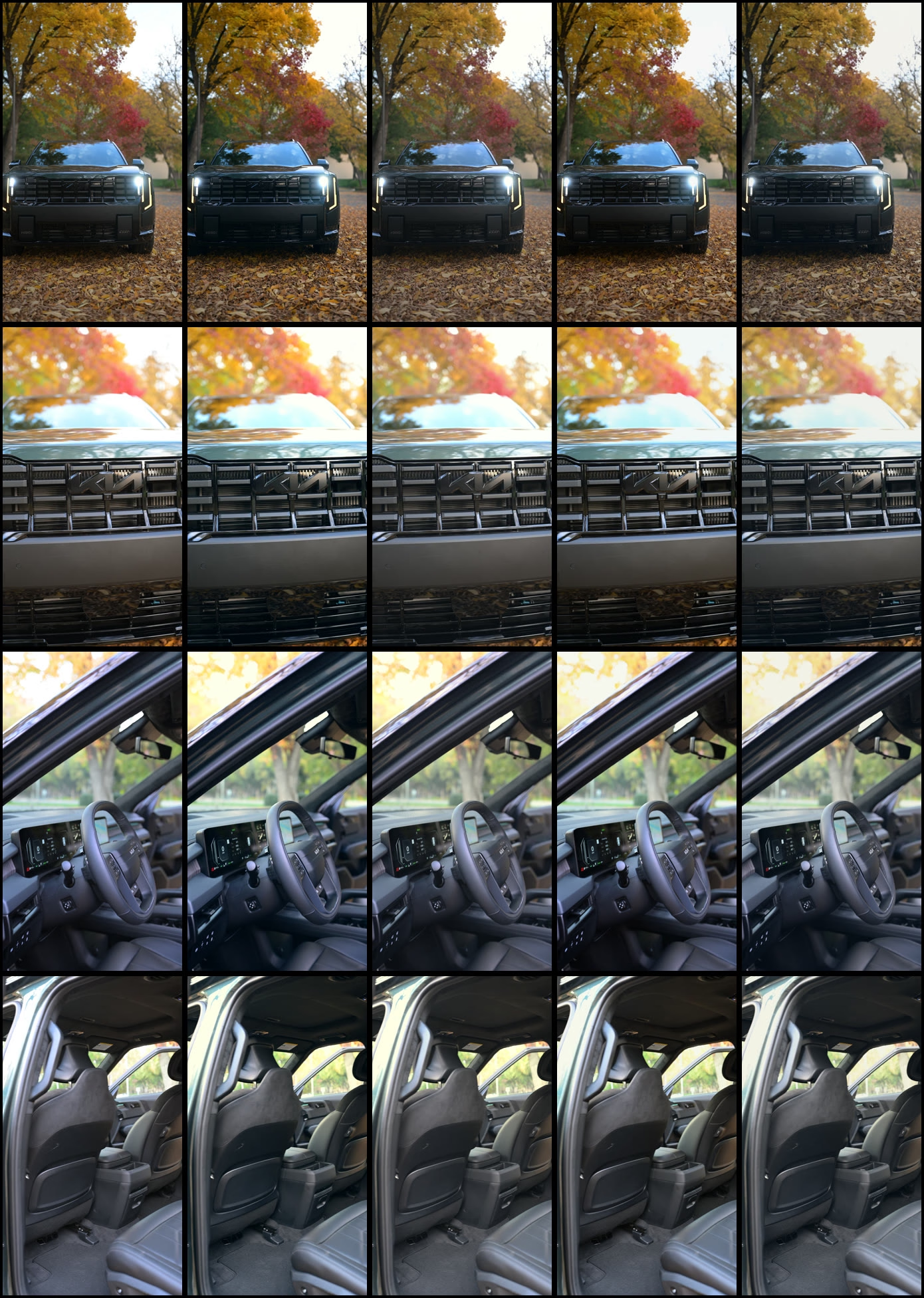
Every clip is measured on the frames the edit uses, three per segment at 20, 50 and 80 percent of its range. A color cast is read from near-neutral pixels such as greys, blacks and metal, so a strongly colored scene keeps its color. The toolkit removes 75 percent of the measured cast and lifts the midtones of dark shots, capped at a 1.2 gamma so black stays black.
One look for the whole reel
Four looks live in one file, from a teal-and-orange grade to a warm film look. A lookbook sheet shows each look on the reel’s own frames, so the editor picks from real footage.
A film finish
Halation, vignette, fine grain and short zoom transitions are rendered into the graded copies. Each finish has its own strength setting, and zoom transitions can run at scene changes only.
Fixes for single shots
A per-shot override changes one clip or one segment of it. A shot with blown-out highlights, for example, gets its bright tones darkened and re-saturated, with added local contrast, to bring the detail back.
Safe edits to the CapCut project
Ten commands read and change a CapCut project: list, show, segments, relink, unlink-graded, reorder, remove, drop-blank-luts, preview and backup. Each write starts with a backup, and the tool refuses a project that CapCut has open. Original footage stays in place, and graded copies go in a graded/ folder beside it.
GoPro offload
Two scripts pull footage from a USB-connected GoPro HERO9 or HERO11 over the camera’s own network connection, by capture date, and trim clips on keyframes. Every copy and trim is checked against the source before anything is replaced.
How it works
The grading engine is a set of 15 per-pixel operations written in Python with NumPy: white balance, exposure, gamma, gains, CDL, contrast, levels, saturation, vibrance, split tone, highlight roll-off, highlight recovery, LUT loading, the hand-built looks and a Lab color match. A look is a short list of those operations in a JSON file, so a new look is a new entry in that file. Each clip’s correction and look are baked into a 33-point 3D LUT, and FFmpeg applies it with the spatial finish on top.
Graded copies render as 10-bit HEVC at 120 Mb/s with the same duration and frame size as the source, and the CapCut project is relinked to them. The editor opens the same project in CapCut and sees the graded footage on the same timeline.
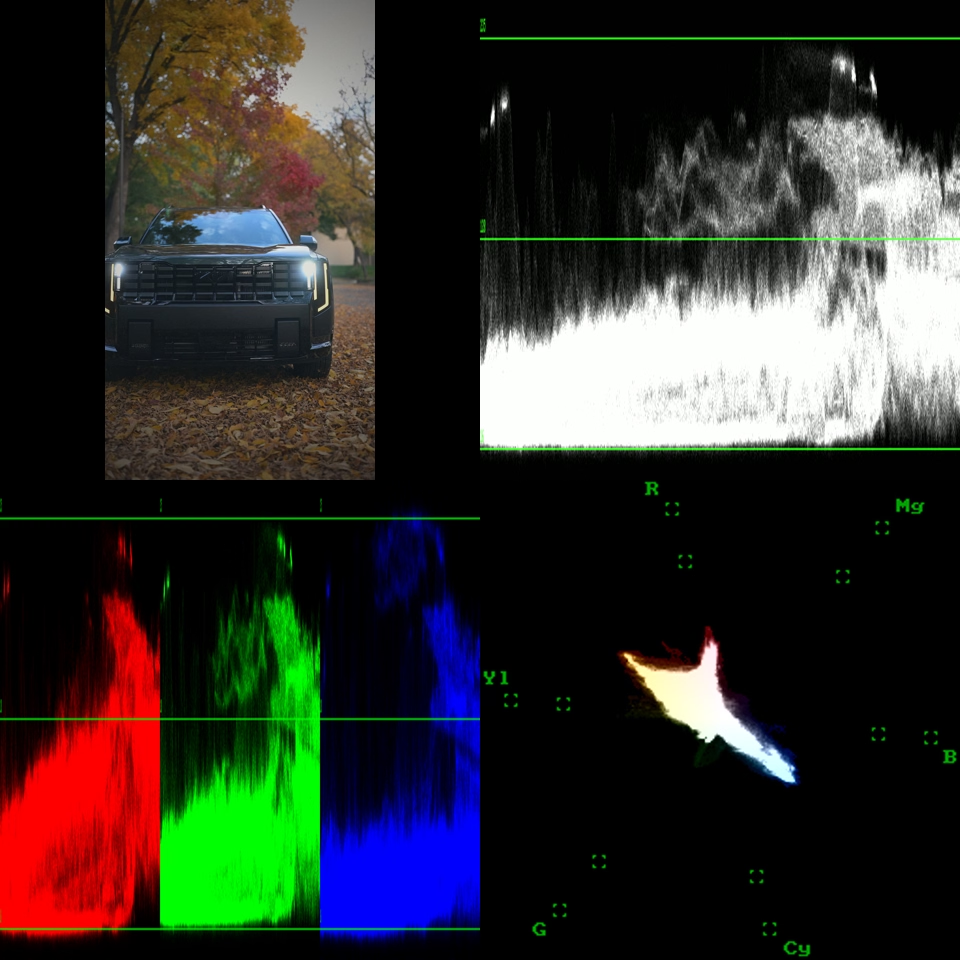
Scopes for every hero frame
A scopes sheet puts the frame, a waveform, an RGB parade and a vectorscope in one image. The waveform shows where the brightness sits, and the vectorscope shows the warm leaf tones and cool shadows of the look.
A consistency check
Shots that should look alike, such as all the wide shots or all the close-ups, form a group, and the first shot in each group is its hero. Every graded shot is measured against its hero: color cast within ±0.012, about 3 steps out of 255, and median brightness within ±0.08. A flag is a prompt for the editor to look at the shot, and the editor makes the call.
What it does for the business
Every shot in a reel shares one graded look, and the editor keeps the editing app, the project files and the footage exactly where they were. Everything runs on one Mac with FFmpeg and Python, so the footage stays on that Mac and grading a reel costs only the time to render it. The same approach, a small local tool that does one job well and hands its work back to the app a team already uses, fits any small business with a repeat task in its creative software. To talk through a tool for your own workflow, get in touch.
For your technical team
- Python 3 and NumPy for measurement and the 15 grading operations; FFmpeg and ffprobe for decoding, LUT application, spatial effects and 10-bit HEVC renders through VideoToolbox.
- Looks are JSON entries of operations plus a finish block, baked to 33-point
.cubeLUTs with tetrahedral interpolation, matching FFmpeg’slut3d. - CapCut 9.6 drafts are JSON stored in two copies per project; the tool writes both byte-identical and refuses any project with a lock file present.
- Per-shot overrides cover gamma, temperature, cast, contrast, saturation, highlights and clarity, per clip or per segment.
- An input LUT option runs a camera’s log-to-Rec.709 conversion first and measures after it, ready for Nikon N-Log footage.
- GoPro scripts use the camera’s USB network API, verify every transfer against the card’s manifest and check every lossless trim with a bitstream MD5.
Want something like this for your business?
Send a short email about the problem you want solved and get a written scope back.
Start With a Free Email Scope