Managing 2,200 WordPress Articles Without Losing Your Mind
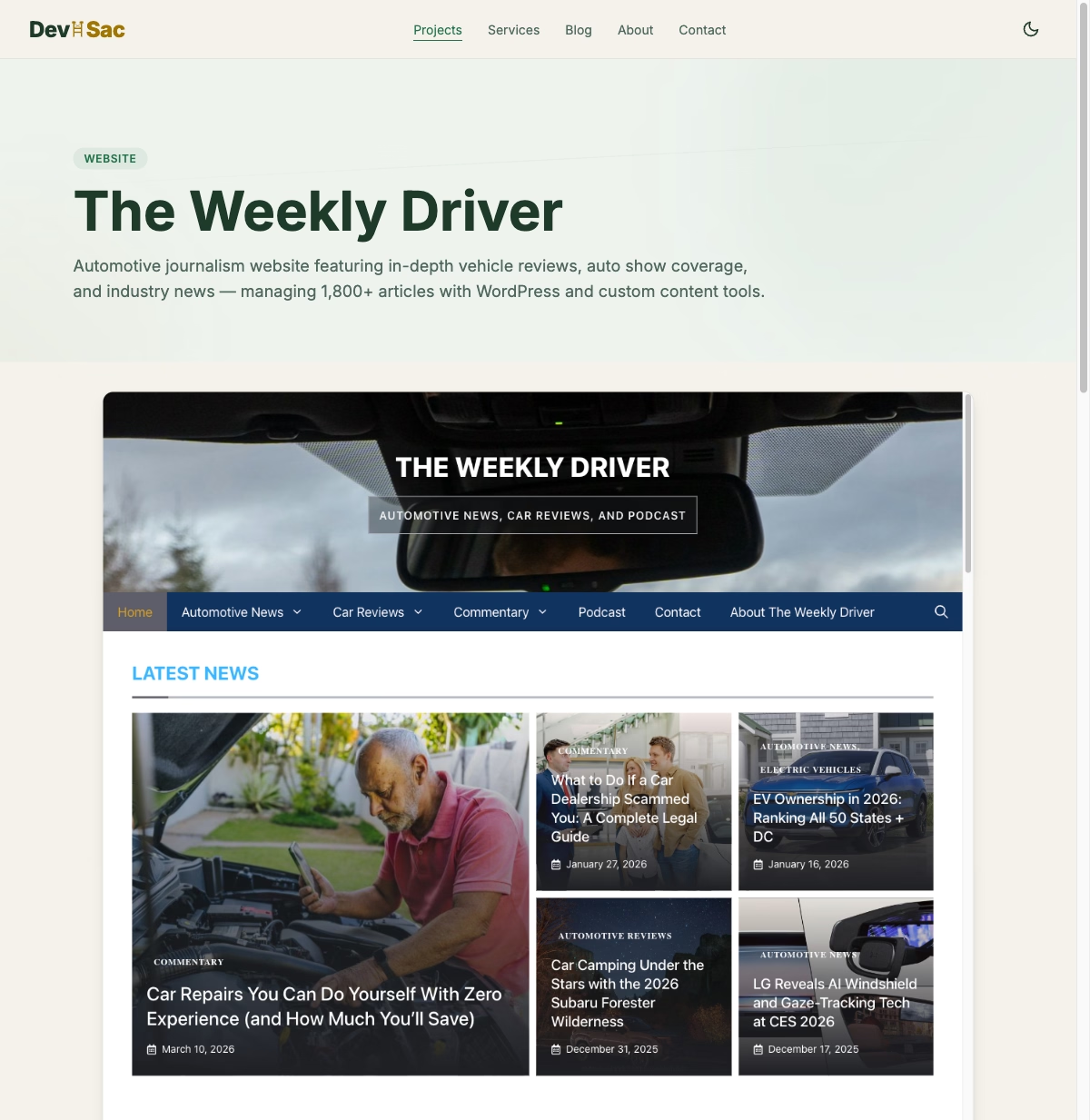
Between The Weekly Driver (thousands of automotive articles) and MK Library (thousands of lifestyle articles), there are thousands of WordPress articles to manage. At that volume, WordPress admin breaks down in ways that are not obvious until you are deep in it.
The Tag Problem
The Weekly Driver has well over a thousand tags. That is manageable until you realize that “2024 Toyota Camry,” “Toyota Camry 2024,” and “Camry 2024” are all separate tags for the same vehicle. Multiply that by hundreds of models across multiple years and you have a tag taxonomy that is actively hurting your SEO instead of helping it.
WordPress gives you a list of tags sorted alphabetically. That is it. No duplicate detection. No fuzzy matching. No way to see which tags are near-duplicates without manually scanning hundreds of entries. The job called for a tool that could run Levenshtein distance matching across every tag and surface the duplicates automatically.
The Stale Content Problem
With thousands of articles, content goes stale without anyone noticing. A 2021 Honda Accord review still references an MSRP of $26,120, which is wrong. A used car buyer’s guide from 2022 lists average transaction prices that are off by $5,000 from current market data. WordPress has no concept of content freshness. It knows when an article was published and when it was last edited, but it has no way to flag content that needs attention.
The job called for a system that could score content freshness, flag articles past a certain age, and surface the ones most likely to need updates based on topic and traffic data.
The Internal Linking Problem
Good SEO requires internal linking. When you review the 2025 Toyota Camry, you should link to your reviews of the 2024 and 2023 Camry, your Toyota brand overview, and your midsize sedan buyer’s guide. With 1,800 articles, nobody can keep all those linking opportunities in their head. A real example: the Weekly Driver review of the 2024 Hyundai Ioniq 6 had zero links to the existing EV buyer’s guide or the Ioniq 5 comparison, both of which were already published.
The fix had to be automated scanning that could analyze each article’s topic and suggest relevant internal links from the existing library. Not just keyword matching, but understanding that a Camry review should link to other Toyota reviews, sedan comparisons, and related buyer’s guides.
Building the Content Trackers
The first step was browser-based content trackers for each site. These were simple web apps that pulled article data from the WordPress REST API and displayed it in a filterable, sortable table with status tracking and SEO metadata. They worked, but they had limitations. No real database. No multi-site support. No editing capabilities.
The content trackers for The Weekly Driver and MK Library proved the concept: managing WordPress content at scale requires tools that WordPress does not provide. But maintaining two separate browser-based tools was its own headache.
ContentMK: From Internal Tool to Product
The limitations of the browser-based trackers led directly to ContentMK, a desktop application built with Electron and React. ContentMK consolidates every lesson from managing both sites into one tool.
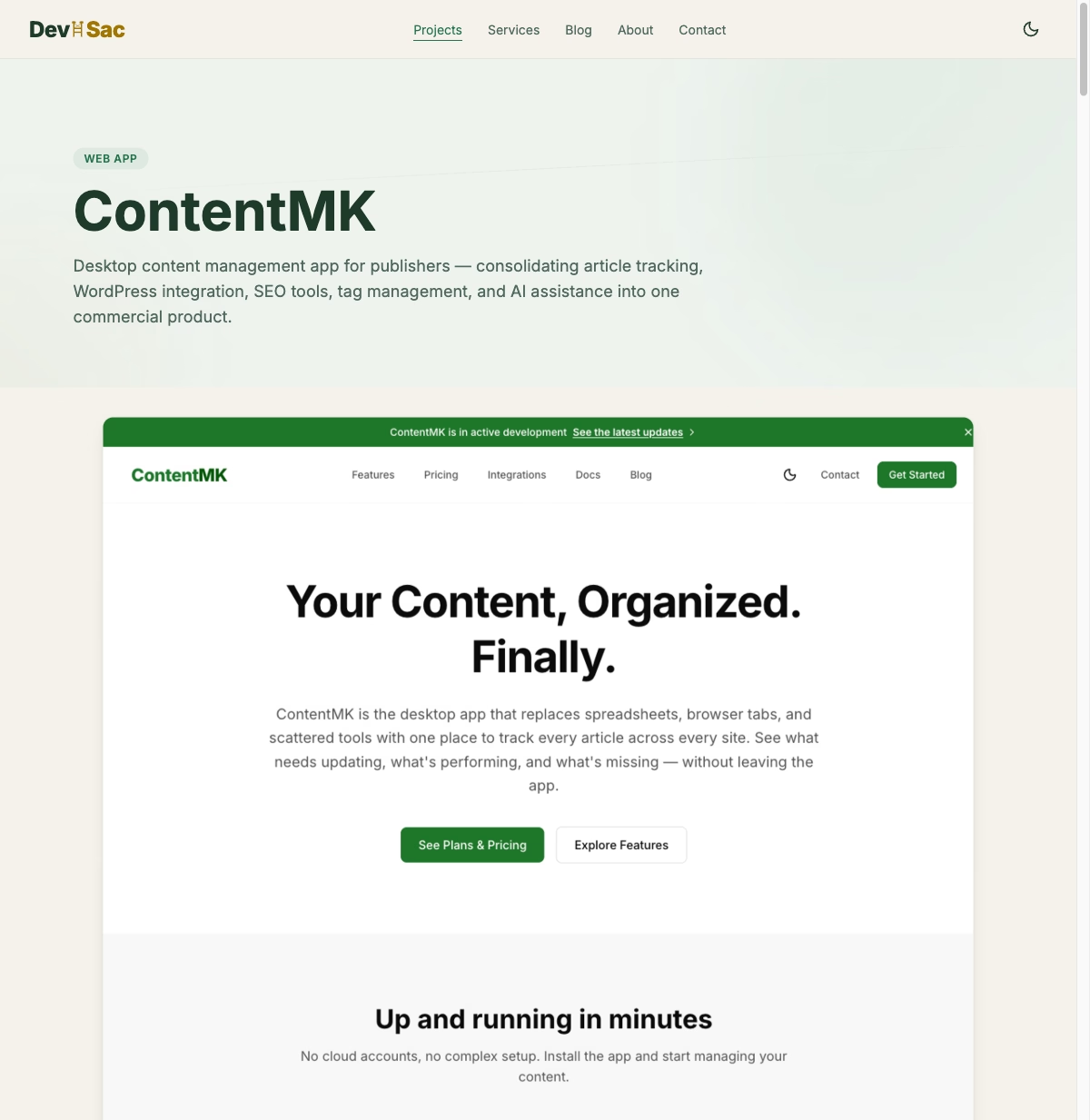
It has the tag management module with Levenshtein distance matching that catches duplicates across thousands of tags. It has content health scoring that flags stale articles. It has a four-layer internal link suggestion algorithm that scans across your entire article library. And it connects to multiple WordPress sites from one interface through the REST API.
The architecture is a 22-module system (9 free, 13 premium) with a SQLite database storing article metadata, tags, link maps, and content health scores. Two-way WordPress sync means edits in ContentMK push back to WordPress and vice versa. Everything runs locally. No cloud dependency for core features.
Lessons Learned
WordPress is great for publishing, bad for managing. WordPress development work proves this repeatedly: publishing a single article in WordPress is fine. Managing 2,200 articles across topics, tags, links, and freshness requirements is a different problem that needs different tools.
Build the tools you need, then generalize. The content trackers were ugly, browser-based, single-site tools. But they showed exactly what features matter when managing content at scale. ContentMK is better because it is the third iteration, not the first.
Tag management is underrated. Clean, well-organized tags directly affect your SEO. Duplicate and near-duplicate tags dilute your topical authority. Automated cleanup is worth the engineering investment. If you want to understand why this matters for search visibility, read about what actually moves the needle for Sacramento local SEO and why backlinks still matter for small business websites.
If you manage a content-heavy WordPress site and these problems sound familiar, ContentMK is built for exactly this. And the project pages for The Weekly Driver and MK Library show how the content management approach evolved. At a certain point, managing content at scale means asking when it is time to rebuild your website entirely rather than patching the existing one.