Sacramento WordPress Web Design: When WordPress Makes Sense
WordPress powers 43% of all websites on the internet as of 2025, making it the most popular content management system in the world. If you ask a Sacramento web design company to build you a site, there is a good chance they will propose WordPress. Sometimes that is the right call. Sometimes it is not. Here is how to tell the difference.
When Should You Use WordPress for Your Website?
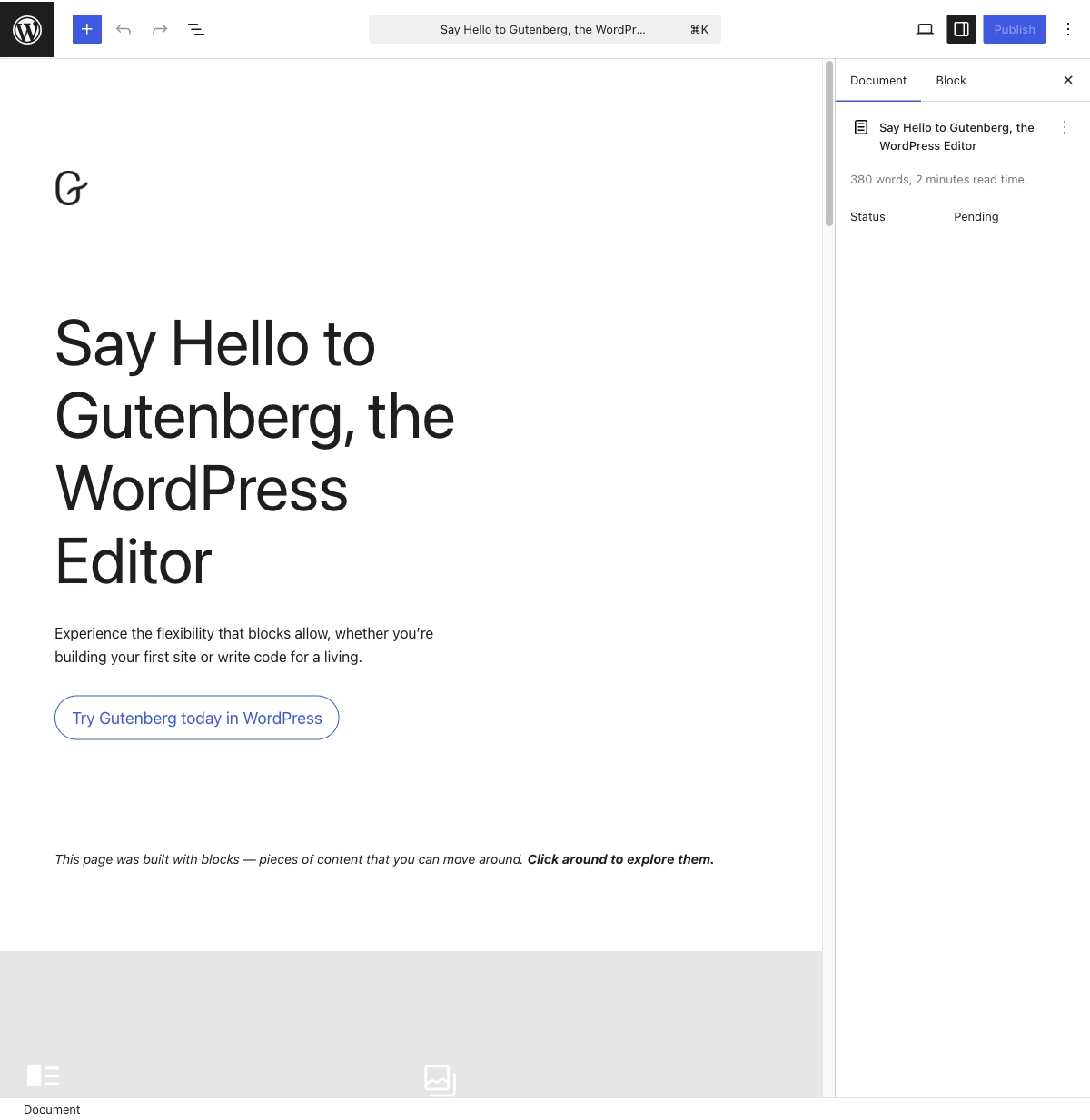
You need to update content frequently. If you publish blog posts weekly, update product listings daily, or have multiple team members editing pages, WordPress gives you a familiar admin dashboard that non-technical people can use. The block editor is intuitive enough that most business owners can add and edit content after a short training session.
You need specific plugin functionality. WordPress has over 59,000 plugins. Need an event calendar, a booking system, a membership portal, or WooCommerce for e-commerce? Plugins handle these without custom development. If your needs map to well-maintained plugins, WordPress can save significant development time and cost.
You are on a tight budget. A WordPress site with a premium theme costs less upfront than a custom-built site. For Sacramento businesses watching their budget, a well-configured WordPress site on a premium theme can be professional and effective.
You want to manage it yourself. WordPress is designed for non-developers. After the initial build, you can add pages, update content, install plugins, and manage basic settings without calling your developer. This independence matters for businesses that need to move fast.
When Should You Avoid WordPress?
Speed is critical. WordPress sites are inherently slower than static sites. Every page request hits a PHP backend, queries a MySQL database, and assembles HTML on the fly. Even with caching, a typical WordPress page loads in 2 to 4 seconds, while a static site built with Astro loads in under 1 second. For e-commerce sites where speed directly affects conversions, that difference matters.
Security is a concern. WordPress is the target of approximately 90% of all CMS-based hacking attempts. Outdated plugins, weak passwords, and unpatched core installations are the most common attack vectors for small business websites. If you do not have a plan for regular security updates, WordPress is a liability. Sacramento businesses have been hacked because nobody updated their plugins for six months. The cleanup is not just embarrassing. It means days of downtime, a developer bill to remove the malware, and a Google “site may be hacked” warning that lingers in search results for weeks even after the site is clean.
You have a small, static site. If your site has 5 to 7 pages that change quarterly, WordPress is overkill. You are paying for database hosting, plugin maintenance, and security updates for a site that could be a handful of static HTML files. A static site costs less to host, loads faster, and requires zero maintenance.
You need custom application logic. If you are building something that goes beyond content management, like a price comparison tool or a real-time data dashboard, WordPress is the wrong foundation. These need custom backends, APIs, and database designs that WordPress was not built for.
Hands-On Experience With WordPress
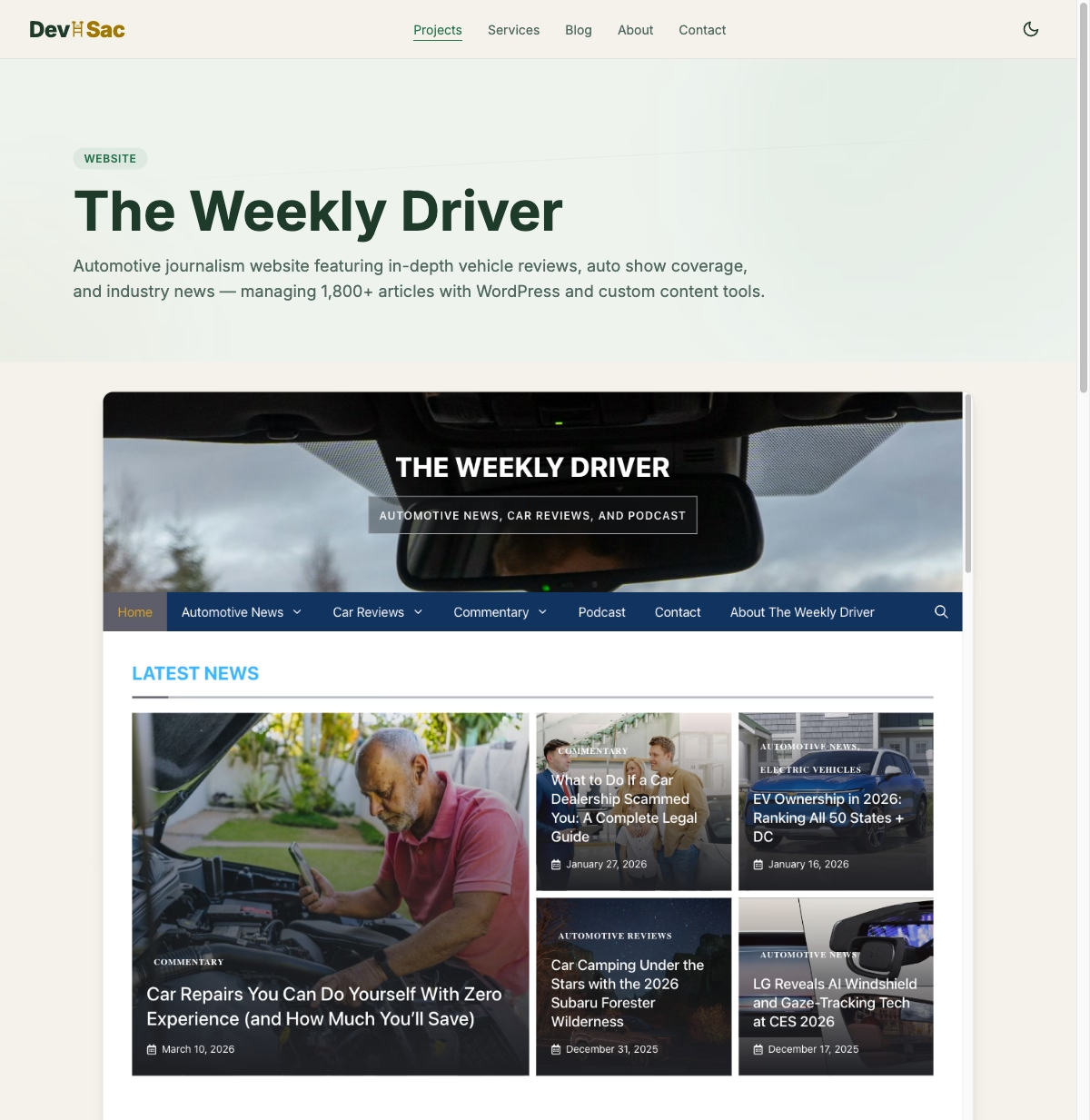
Frog Stone Media’s WordPress development experience includes managing two large WordPress sites: The Weekly Driver with thousands of articles and MK Library with thousands more. WordPress is the right choice for both because they are content-heavy editorial sites that need regular updates, and the publishing workflow is well-suited to WordPress.
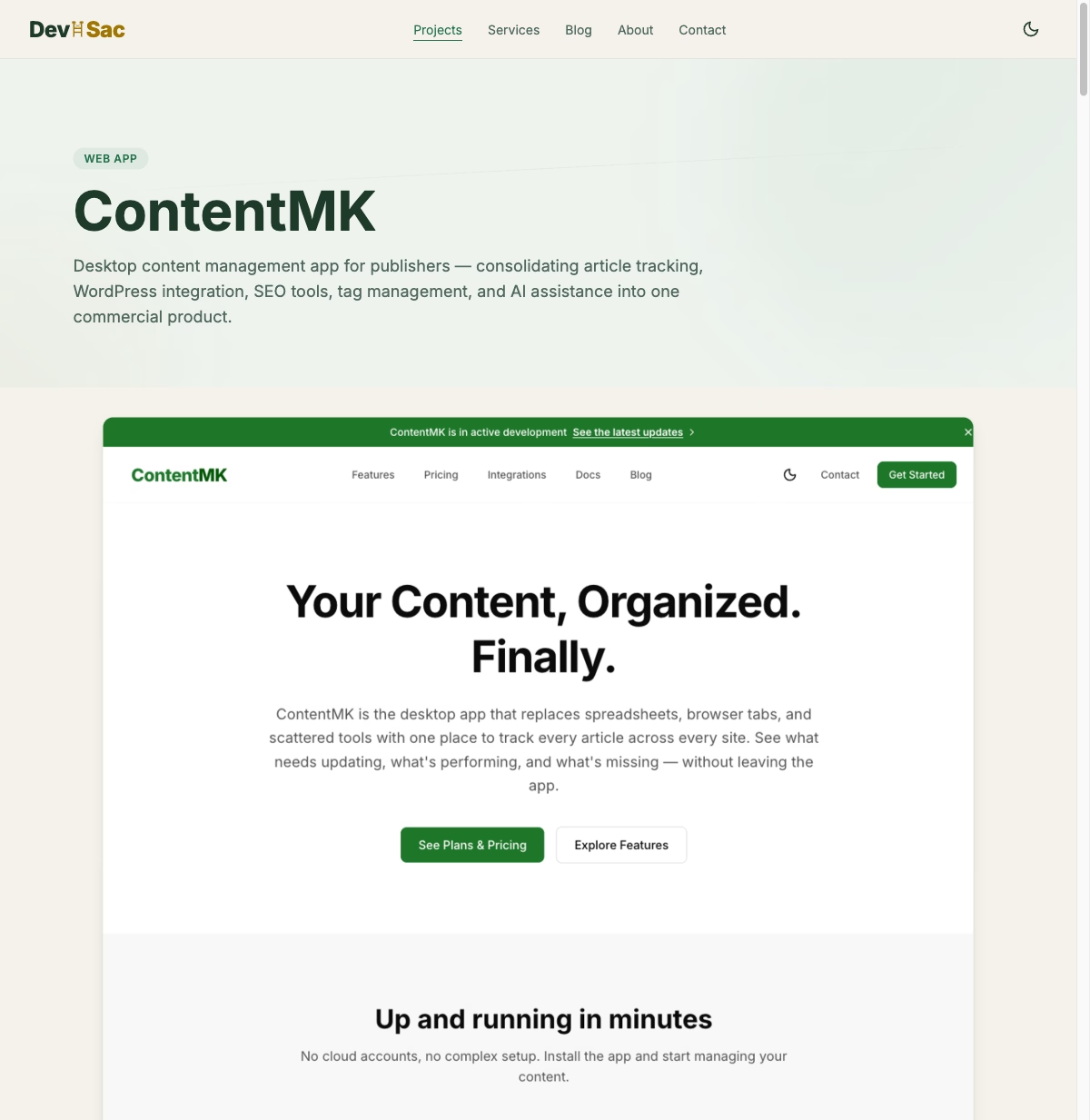
But managing WordPress at that scale revealed serious limitations. Tag management across 1,800 articles is painful. Internal linking at scale is manual and error-prone. Content freshness monitoring does not exist. These problems led to ContentMK, a desktop app that fills the gaps WordPress admin leaves open. The post on managing 2,200 WordPress articles covers those challenges in detail.
Other projects use different tools. DevSac.com runs on Astro because it is faster and requires no maintenance. SacGroceries runs on Cloudflare Workers because it needs edge computing performance. Each project gets the technology that fits its requirements, not a default platform applied to every situation.
WordPress vs Astro for Sacramento Businesses
The most-asked comparison is WordPress vs Astro. Here is the honest breakdown:
WordPress wins on: content management UI, plugin ecosystem, community size, non-technical user friendliness, and lower upfront cost for content-heavy sites.
Astro wins on: page speed (dramatically faster), security (no database or PHP to attack), hosting cost ($0 to $5/month vs $10 to $30/month), and long-term maintenance (nothing to update or patch).
For a Sacramento restaurant, attorney, or professional services firm with a small site that changes infrequently, Astro is the better choice. For a Sacramento media company, large retailer, or any business publishing content daily, WordPress makes more sense.
Questions to Ask Your Sacramento Web Designer
If a developer proposes WordPress for your project, ask these questions:
Why WordPress specifically? If the answer is “it is what we use for everything,” that is a red flag. The right answer references your specific content needs, plugin requirements, or team workflow.
Who handles updates? WordPress needs regular core, theme, and plugin updates. Security patches should be applied within days of release. If the answer is “you do,” make sure you are prepared for that responsibility.
What is the backup plan? Automated backups should be included. Ask how often backups run and how quickly the site can be restored if something breaks.
What is the page speed? Ask them to show you the Google PageSpeed score of a WordPress site they recently built. If they cannot show you a mobile score above 80, their WordPress optimization needs work.
If you are a Sacramento business trying to decide between WordPress and other options, get an honest recommendation based on your specific needs. Check out the projects page to see how different types of sites are approached, or reach out through the contact page. Sometimes the answer is WordPress. Sometimes it is not. The right developer will tell you which.