Cloudflare Workers in Production: Lessons From Building Two Apps
Two production apps run on Cloudflare Workers: SacGroceries (grocery price comparison) and MenuFindr (restaurant menu search). Between them, the lessons cover what works, what is tricky, and when Cloudflare Pages vs Workers is the right call.
Why Cloudflare Workers
The pitch is simple: write JavaScript/TypeScript functions that run at the edge, close to your users. No servers to manage, no cold starts (unlike AWS Lambda), and pricing that starts at free. For apps serving a specific geographic area like Sacramento, edge computing is the right call. The users are in Sacramento. The nearest Cloudflare data center is in Sacramento. Responses are fast because the code runs where the users are.
Both apps use Hono for routing, which feels like Express but is built for edge runtimes. This is the kind of Node.js development work where choosing the right framework matters.
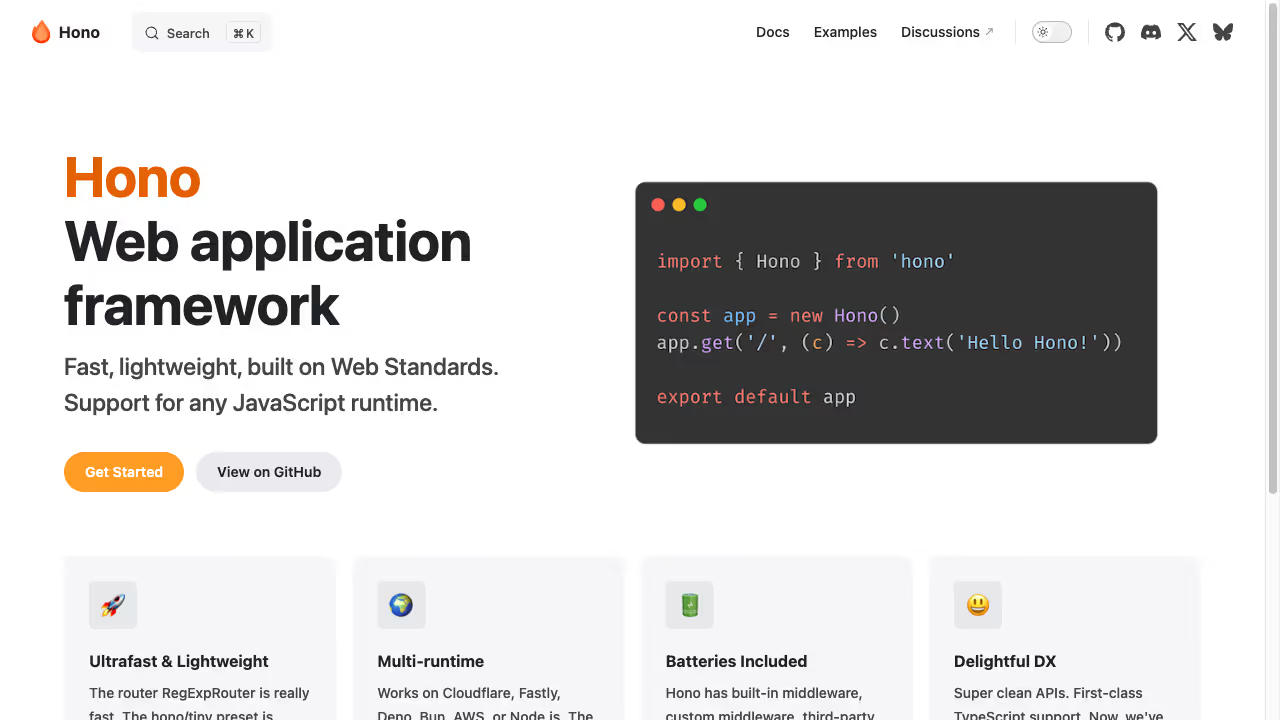 TypeScript across the full stack. D1 (Cloudflare’s SQLite database) for persistent data.
What Works Well
Fast API responses. Both apps answer from the data center nearest the visitor. For SacGroceries, that means price comparisons across stores feel instant. For MenuFindr, dish search results appear as fast as you can type. This is the real advantage of edge computing for local apps.
D1 is surprisingly capable. Cloudflare’s D1 database is SQLite at the edge. SacGroceries keeps accounts, shopping lists, and price alerts in D1, and queries are fast.
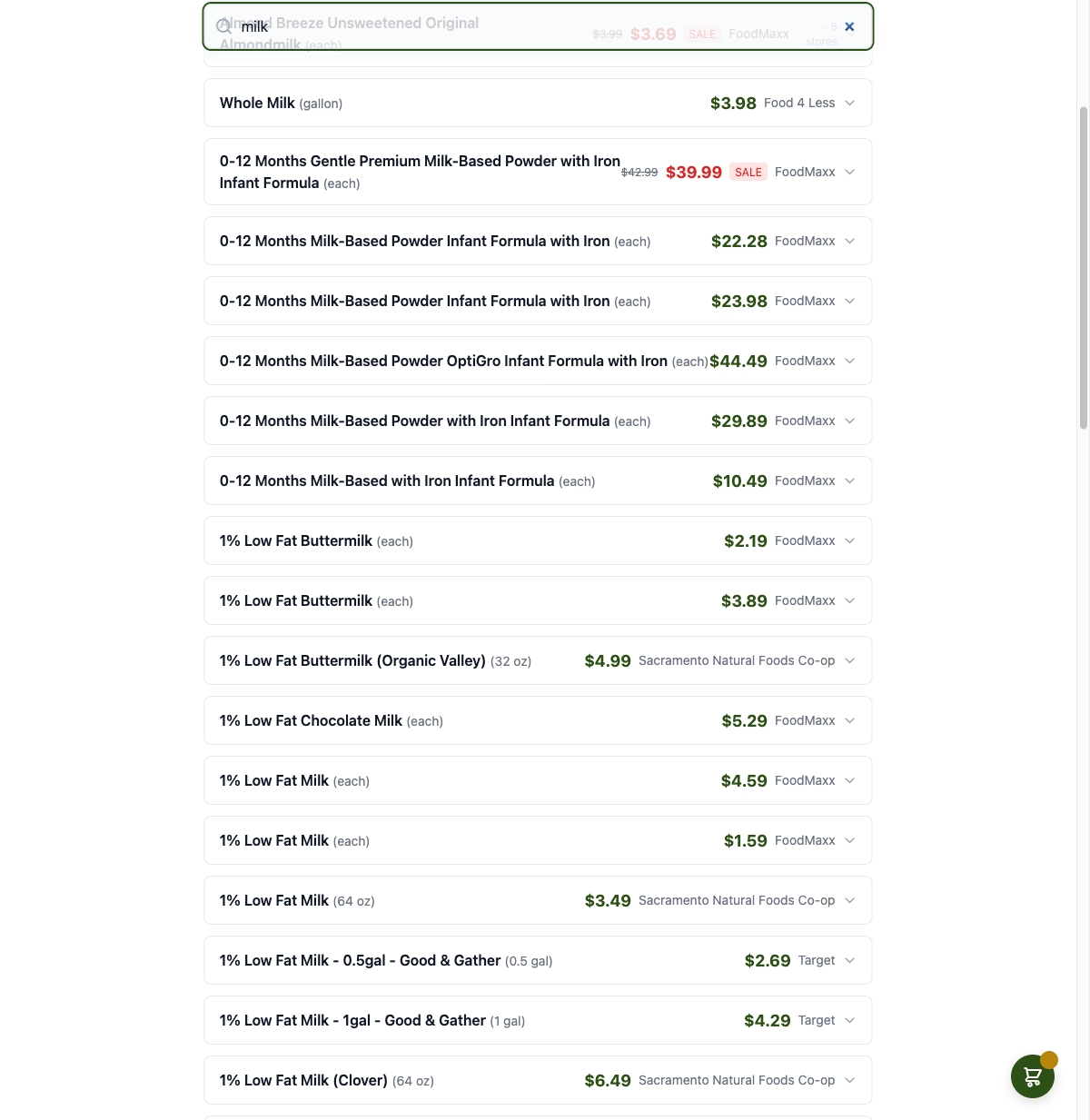 The SQL interface is familiar. Migrations work. For read-heavy apps with modest write volumes, D1 is a great fit.
Cron triggers for data pipelines. Both apps need to collect and process data on schedules. Cloudflare Workers support cron triggers that run your code on a schedule. SacGroceries uses these to collect and compare grocery prices across Sacramento stores. It is simpler than setting up a separate scheduler, and it runs on the same infrastructure as the rest of the app.
Cost. Both apps run on Cloudflare’s free tier plus D1’s included storage. For apps that are not yet generating revenue, this matters. The total infrastructure cost for both apps combined is under $5/month.
What Catches You Off Guard
D1 write limitations. D1 is great for reads, but writes have limitations. There is no row-level locking. Concurrent writes to the same rows can conflict. For SacGroceries, the data pipeline had to batch writes carefully and avoid concurrent updates to the same price records. This is not a problem for apps with low write volume, but if you are building something write-heavy, D1 isn’t the right choice.
Worker size limits. Each Worker has a 1MB compressed size limit (on the free plan) and 10MB on paid. If you are bundling a lot of dependencies, you can hit this. MenuFindr ran into it when a fuzzy search library was added. The fix was tree-shaking and being selective about dependencies, but it was unexpected.
No persistent connections. Workers are stateless. Every request starts fresh. There is no persistent database connection pool. For D1, this is fine because the database is colocated. But if you need to connect to an external database, you are opening a new connection per request, which adds latency.
Local development is not production. Wrangler’s local dev mode is good but D1 behavior differs between local and production. Queries have worked locally and failed in production because of minor SQLite version differences. Always test in production (or a staging environment) before shipping.
Cloudflare Pages vs Workers
This distinction is confusing at first. Pages is for static sites and frontend assets. Workers is for server-side logic and APIs. You can add Workers functions to a Pages project, which is the setup for apps that need both a frontend and an API.
For a pure API (like SacGroceries’ price comparison endpoint), Workers alone is fine. For an app with a frontend and an API (like MenuFindr), Pages with Workers functions gives you both static asset hosting and server-side logic in one deployment.
Worth Using Again?
Yes. For local web applications serving a specific geographic area, Cloudflare Workers is hard to beat. The performance is excellent, the cost is minimal, and the developer experience with Hono and TypeScript is solid. The D1 limitations are real but manageable for most use cases. The key is knowing what you are getting: a fast, cheap, edge-first platform that trades some flexibility for speed and simplicity. Edge architecture is also what powers PaddleConditions’ real-time river data dashboard, though that project uses Home Assistant as the data layer instead of D1. The full sensor-to-website pipeline is covered in the post on how PaddleConditions connects Home Assistant to a live website.
Check out SacGroceries and MenuFindr for the full technical details on both projects. If you are a Sacramento business thinking about building a web application, read about what custom web development actually costs and what to know before hiring a web developer.